
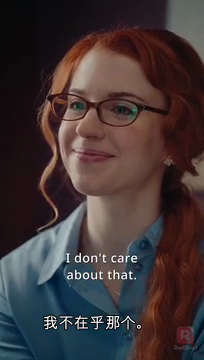
DramaPartner does
- Write and voice a narrated recap
- Match narration with scenes and captions
- Translate subtitles while keeping original audio
- Make alternative highlight edits
Three tools for video creators
Tell the story with a narrator, translate the dialogue, or keep the best moments. Choose the result you need.
BEFORE / AFTER
Compare the authorized 91-second source with the actual output. No mock videos.
A shorter story with AI voice, captions and matching scenes.
91 seconds → 43-second English recap. A comparable job uses 6 credits today, without original-caption removal.
English or Chinese voice. Review names and story details.
Authorized promotional footage. AI results need review before publishing.
Try this tool →From episode to post
Start with a short excerpt. The studio shows supported lengths and credits before you submit.
Narration, translated subtitles, or highlights.
Start with a short excerpt. The studio shows supported lengths and credits before you submit.
Check the story, captions and cuts before publishing.
Know what you get
RS Boost creator resource
RS Boost is one possible source—not a requirement. Get a free invite code and follow the ReelShort creator guides if that is where your footage comes from.
ReelShort and RS Boost resource hub
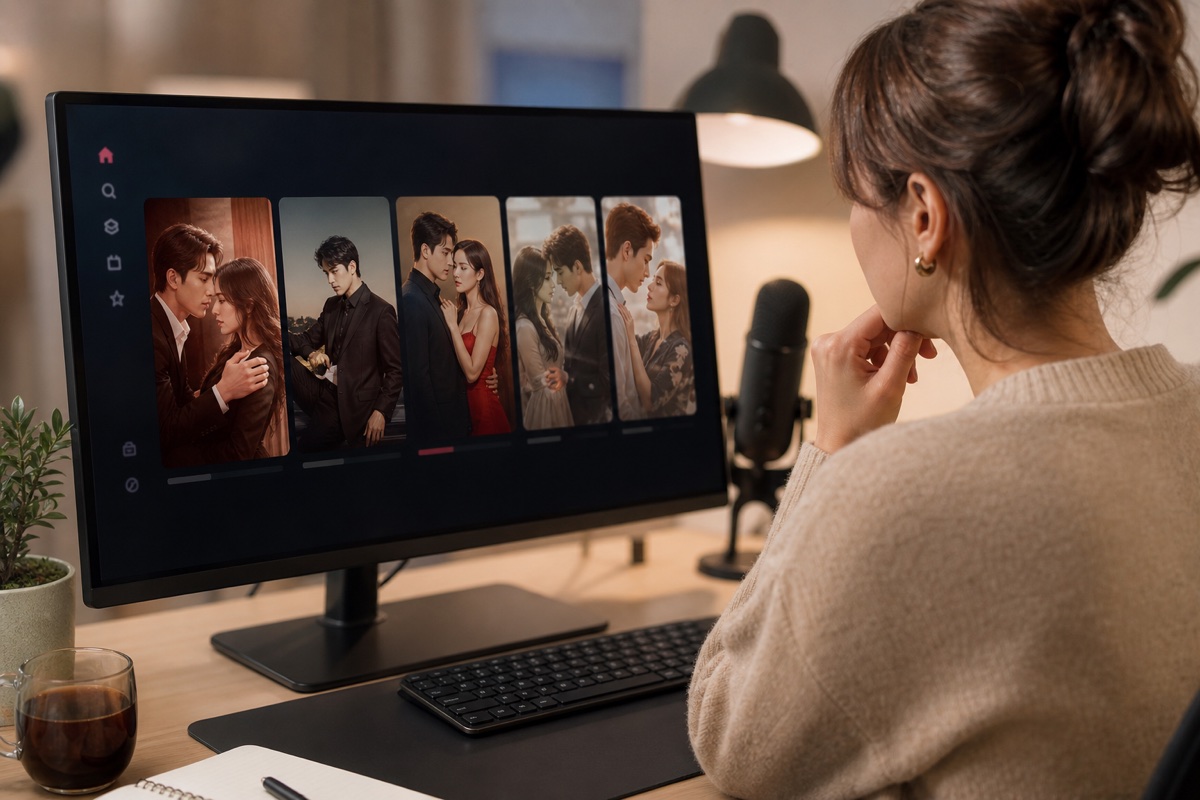
These plain-language guides cover one supported creator platform. They are learning resources—not a requirement for using DramaPartner.
 01HOW IT WORKS
Meet ReelShort, then see how to download drama clips from RS Boost, edit them, and post them.
Read guide → 02DRAMA CLIPS
Find the ReelShort dramas and video clips you are allowed to use for promotion.
Read guide → 03VIDEO EDITING
Turn the supplied clips into a clear, engaging short video and check it before publishing.
Read guide → 04INVITE
Enter your email and receive the invite code, registration link, and a short checklist.
Read guide →DramaPartner
Choose what you want to make. Buy credits once or choose a monthly plan.
Compare plans →